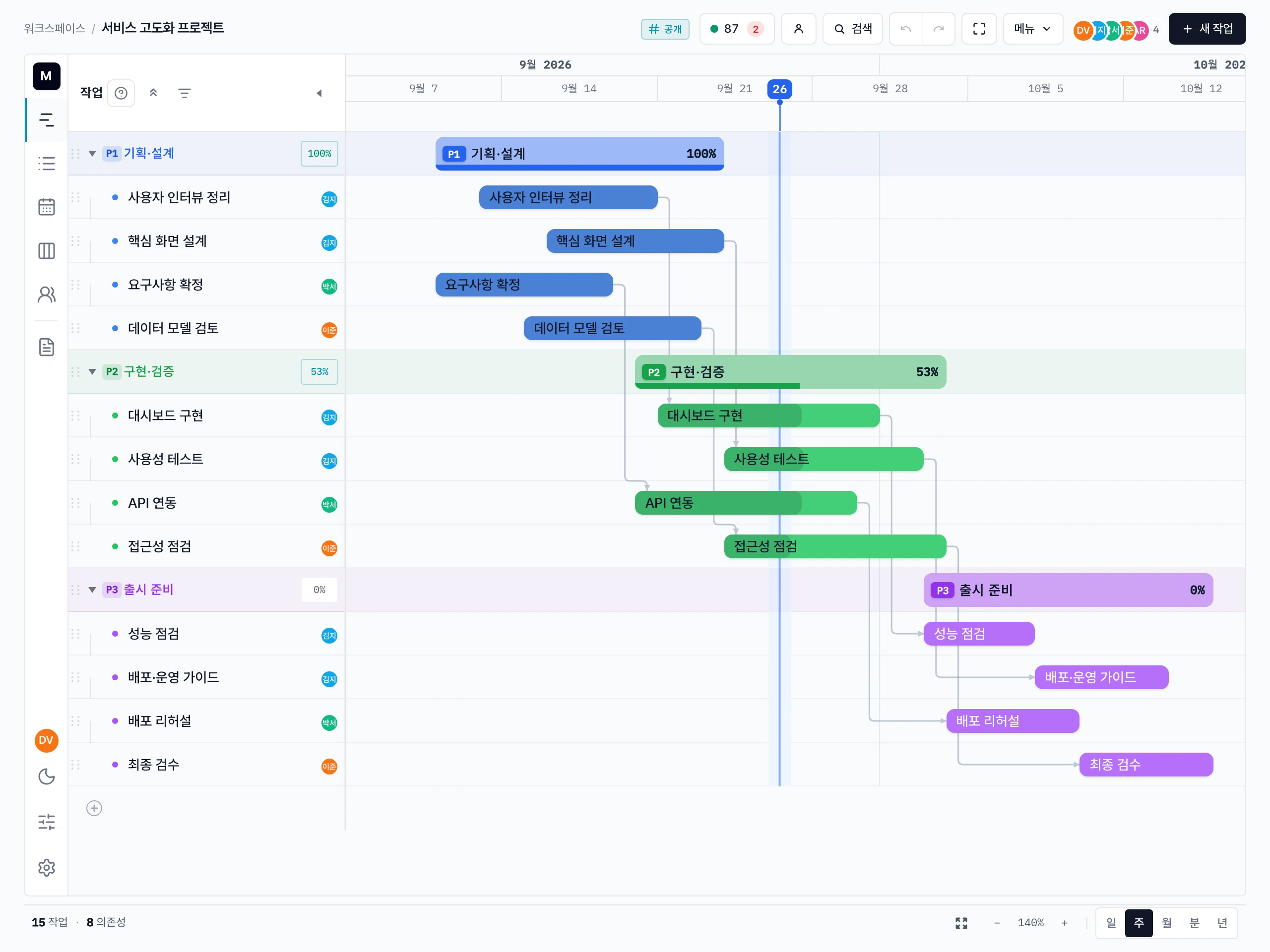
Plan projects on a timeline, not a checklist.
Real dependencies (FS/SS/FF/SF with lag), a critical path that highlights the actual longest chain, and templates that don't bleed back when you edit them. Built for product managers, PMOs, and agency leads with 10–200 task plans.
The demo spins up a throwaway workspace with a year-long sample project. It vanishes when you sign out.
Madi is best for editing on desktop. Mobile is review-only during beta.

Live preview — phases, dependencies, critical path, and a milestone.
Why Madi
The Gantt that lives between Asana and MS Project.
Asana and Notion can't model dependencies. MS Project can — but you pay for a license and three days of training. Madi is the real Gantt that runs in a browser, in realtime, with a critical path you can actually see.
Plan the dependency chain
Stamp a project from a template, then build phases, tasks, milestones, and links without leaving the timeline.
Adjust with confidence
Move dates, auto-schedule dependents, and see critical work before it slips — across five views. Everyone gets a personal Today that pulls their own tasks together.
Share the live answer
Send a read-only link, invite a guest to a single project, export a report, or embed the current plan in your docs.
Built for product managers, PMOs, and agency leads.
Workspace invites with per-project roles, rich descriptions and progress notes with inline images, comments, attachments, activity log, CSV import/export, paginated PDF — all in one screen.